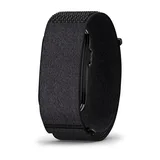
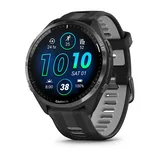
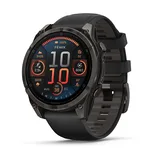
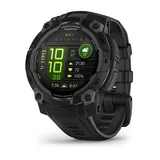
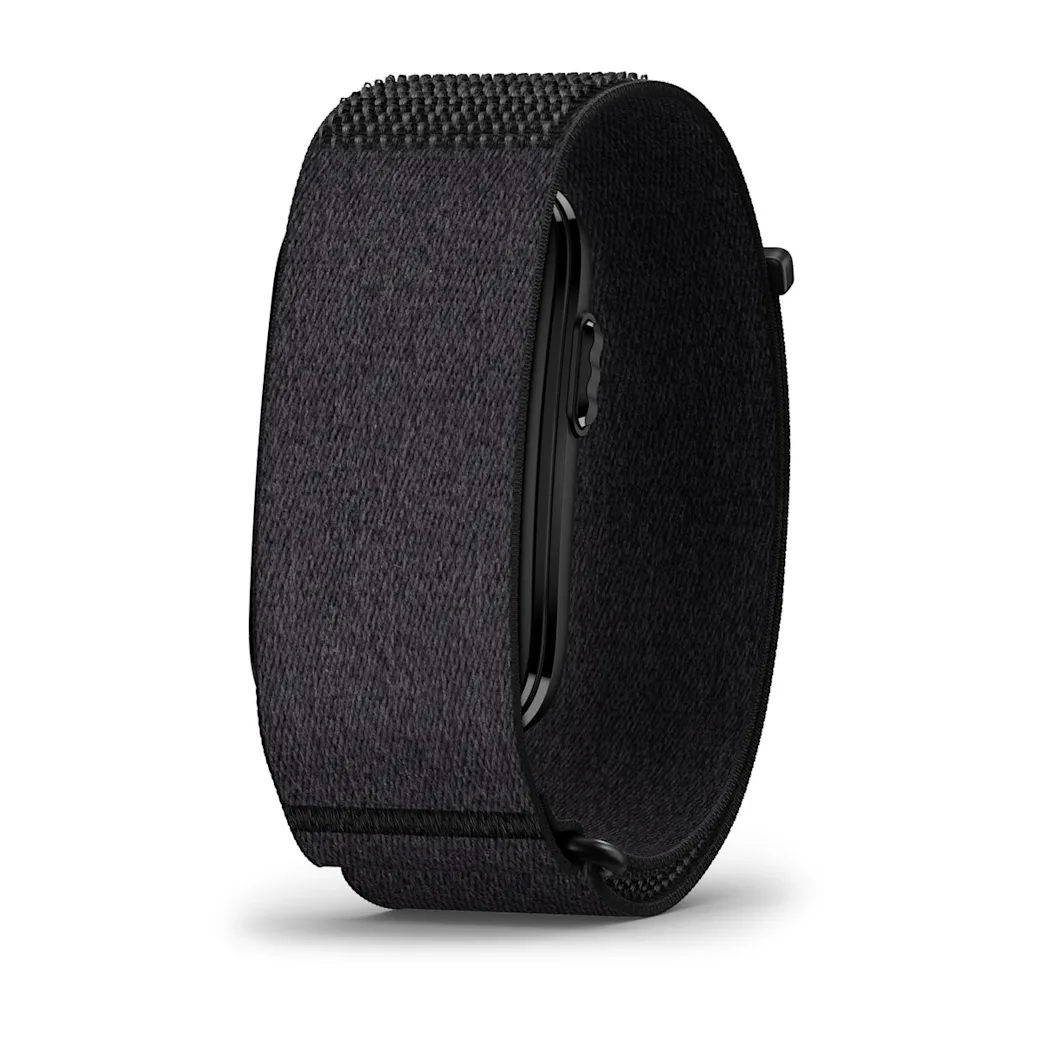
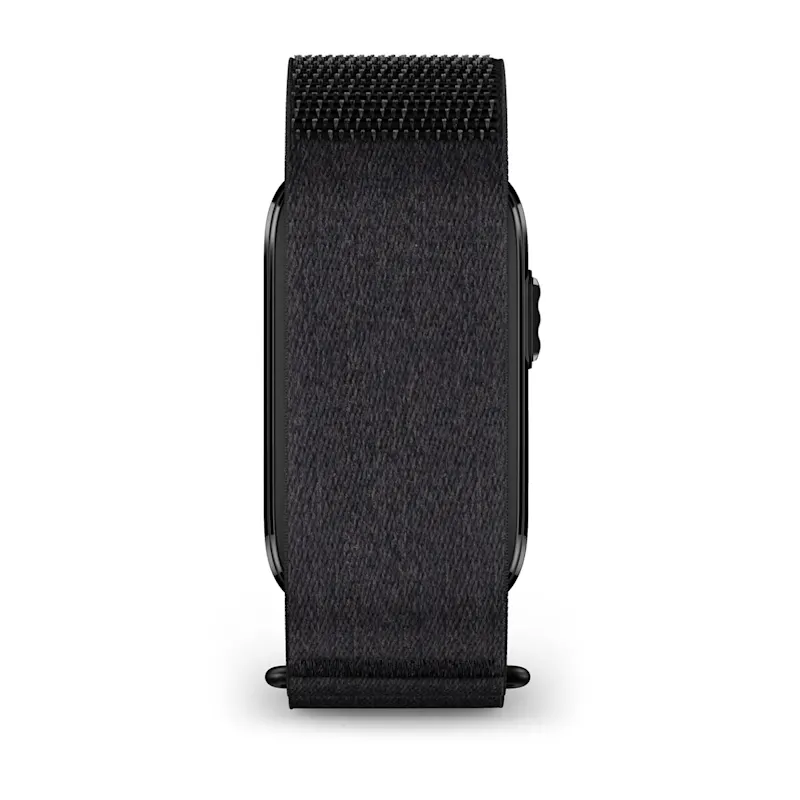
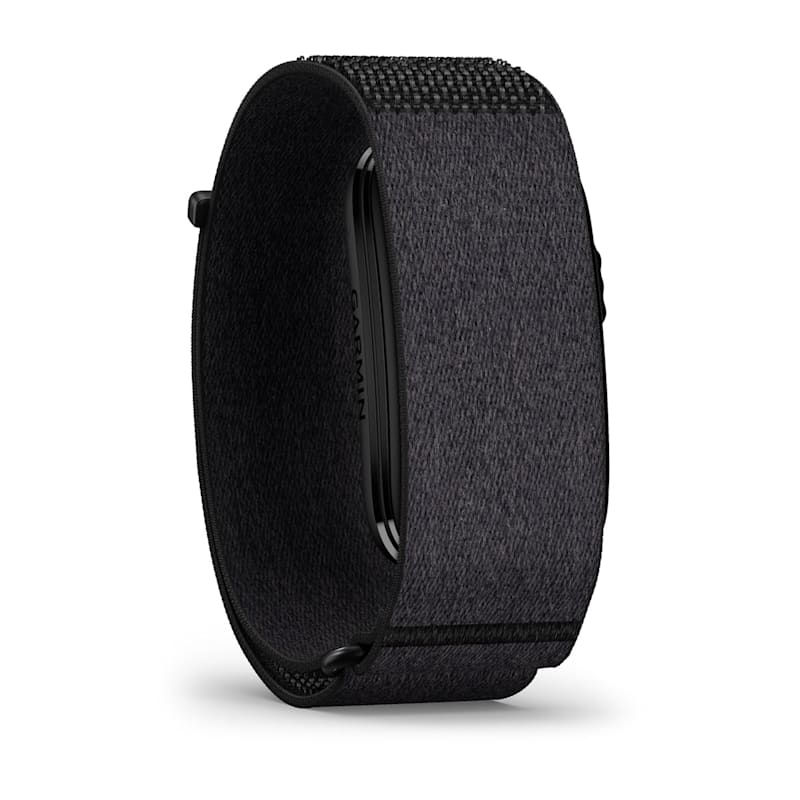
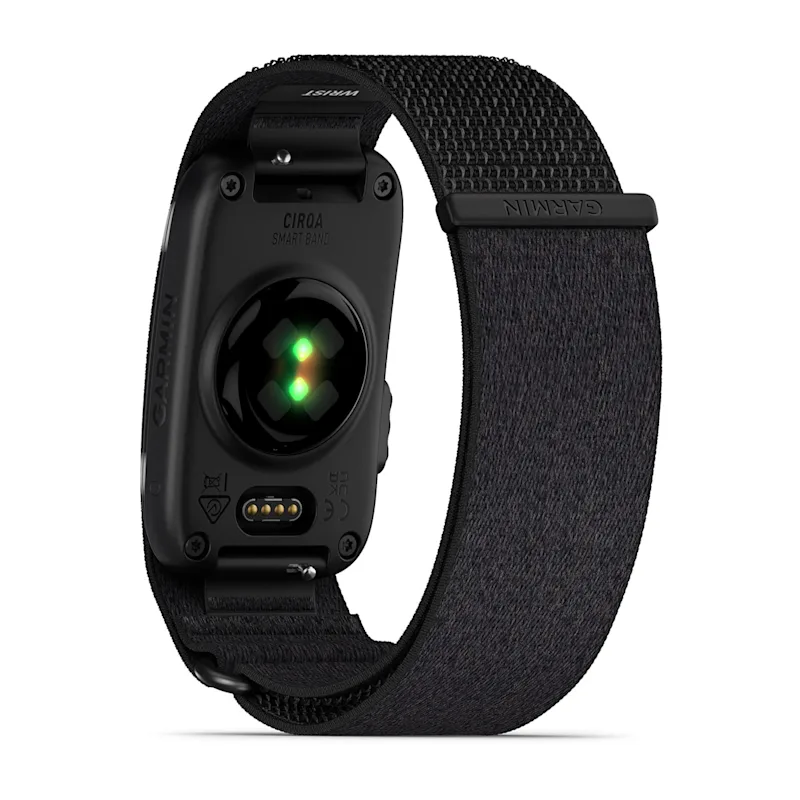
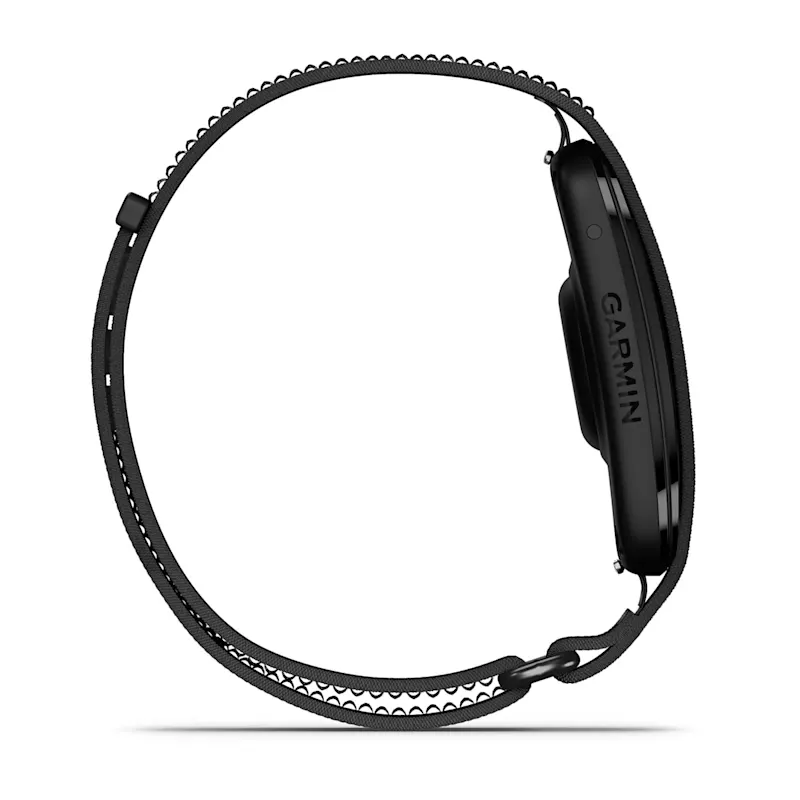
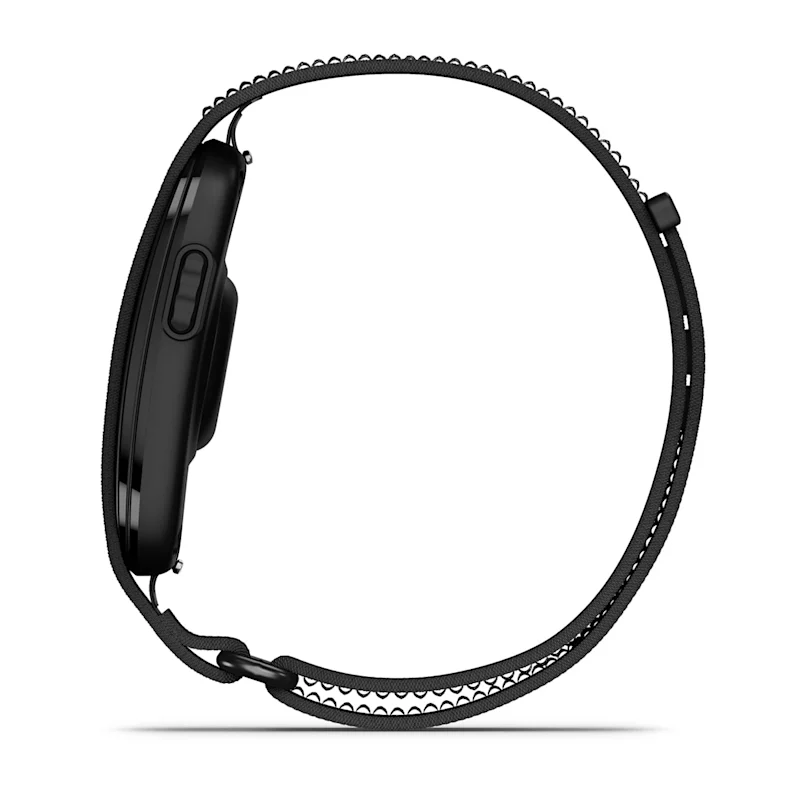
INTERACTIVE GARMIN WATCH SIZE COMPARISON
Inspect each calibrated wearable before wrist try-on
This page separates free 3D inspection from the camera experience. Choose a model, open the interactive viewer, and rotate it through front, side, and rear angles. The large 3D file is not downloaded until you ask to open it, which keeps the initial page lighter on mobile connections.
What calibration means here
Each active asset is reconstructed from multiple authorized product views and scaled in Blender against Garmin's published physical dimensions. That gives the browser a consistent outer-size anchor for CIRQA, Forerunner 965, fēnix 8 47 mm AMOLED, and Instinct 3 45 mm AMOLED. The optimized files use reduced geometry and 1K textures so they remain practical to inspect in a modern browser.
Calibration does not make these files Garmin CAD. Button depth, bezel edges, lugs, rear sensors, strap thickness, and the way a band bends around a particular wrist remain visual approximations. Use the viewer to compare overall shape and relative visual mass, then consult each dedicated model page for its exact published size and wrist range.
Compare with a consistent viewpoint
Start with the front preset to compare case coverage, then use the side preset for thickness and the rear preset for the approximate contact surface. A 45 mm watch can still look substantial if its bezel is angular or its case is deep, while two watches near 47 mm can distribute their visual weight very differently.
The viewer is an independent visual tool and is not affiliated with or endorsed by Garmin. Garmin product names and trademarks belong to Garmin. Final fit also depends on wrist shape, band material, adjustment, weight, and sensor contact—factors a 3D browser model cannot reproduce.
OPEN A MODEL-SPECIFIC URL